EPS
General Description:
Full name: “Encapsulated Postscript”
Pronounced: spelled out “E. P. S.”
Used for vector images that will be printed on any physical item, of any size (that’s not living. 😜).
Noteworthy:
While EPS can be used for almost any kind of image (RGB, CMYK, pixel-based, vector-based…), I prefer to only use EPS for images that are vector and CMYK. That way, when I see an EPS image in my files, I know, at a glance, I can use that image for printing, and it can be any size because it’s vector-based.
Vector images are created using mathematical code. It’s special because it can be printed at any size you want it to be with no damage to the quality of the artwork.
The file size for a vector-based image is much smaller than a pixel-based image, for the most part, which means:
It takes less space on a hard drive.
It takes less time and resources to open and edit in a program that supports it (Adobe Illustrator or Affinity Designer, for example).
It doesn’t require as much time and resources to upload for you and download for the printer.
Vector images can handle many colours, such as visual texture or detailed patterns. Having said that, the more detail, the bigger the file.
Colour Profile: I use EPS for CMYK images exclusively, but, as I mentioned above, you can also use them for a printer who prefers the file to be saved as RGB.
Examples of Uses:
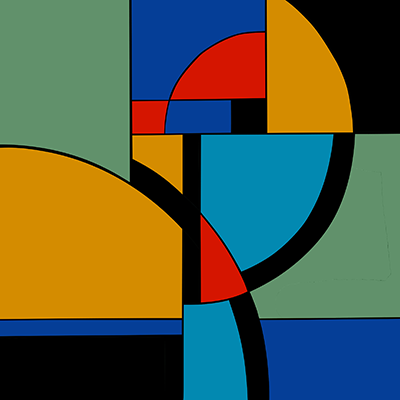
Artwork with minimal colours and shading.
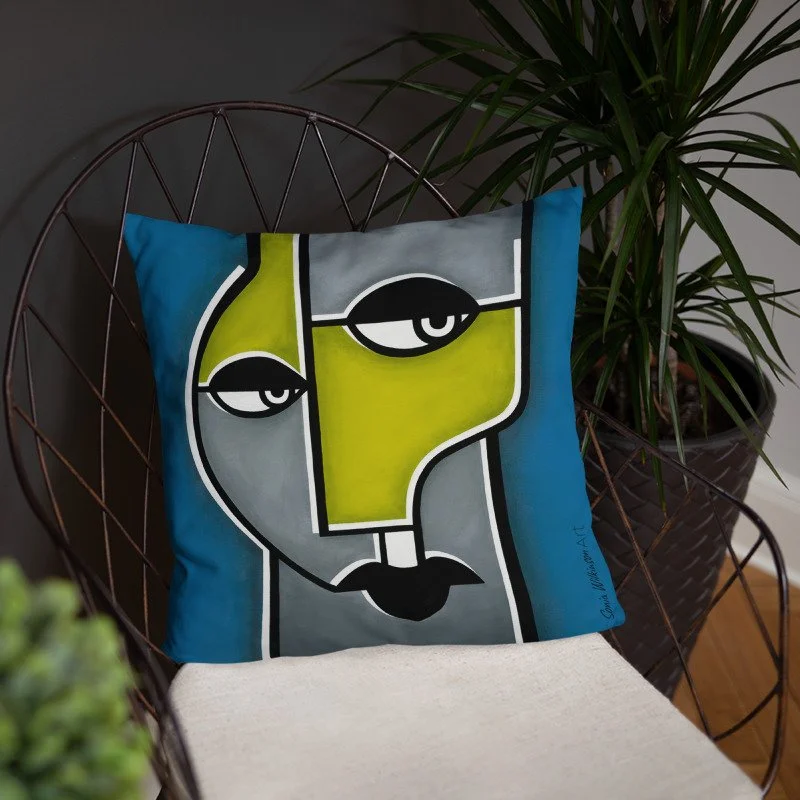
Most printers accept vector files, but check to make sure.
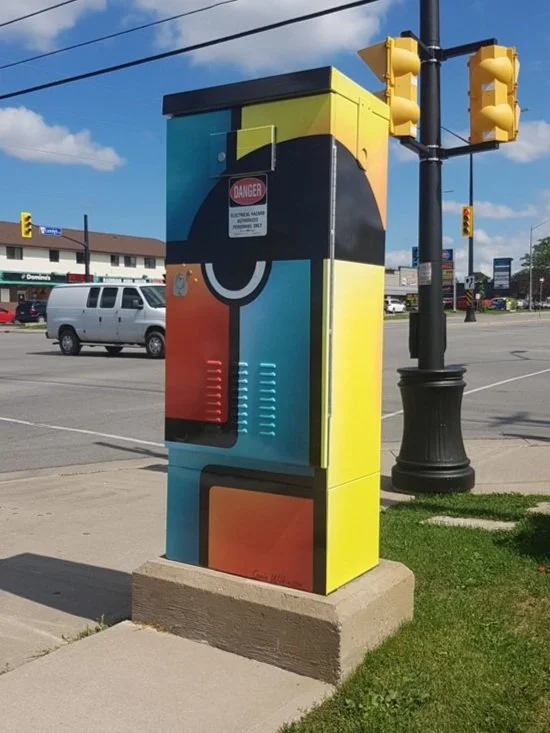
Large-scale projects.