TIF | TIFF
General Description:
Full name: “Tag Image File Format”
Pronounced: “TIFF”, like the beginning of “Tiffany”.
For What: Used for raster (pixel) images that will be printed.
Where to Use: Any physical item (that’s not living. 😜).
Noteworthy:
While a TIF can be used for almost any kind of image (RGB, CMYK, or pixel-based), I prefer to only use TIF for images that are pixel-based and CMYK. That way, when I see one in my files, I know, at a glance, I can use that image for printing and for a maximum size so the quality of the image doesn’t degrade if enlarged.
The file size for a raster, pixel-based image is generally larger than a vector image, depending on the size of the image, which means:
It can take more space on a hard drive.
It can take more time and resources to open and edit in a program that supports it (Adobe Illustrator or Affinity Designer, for example).
It doesn’t require as much time and resources to upload for you and download for the printer.
Vector images can handle many colours, such as visual texture or detailed patterns. Having said that, the more detail, the bigger the file.
Colour Profile: Use CMYK.
Transparency: is possible.
TIF vs TIFF
Both are correct. Personally, I like keeping things simple, so I stick with one: TIF. But you can use either one.
Examples of Uses:
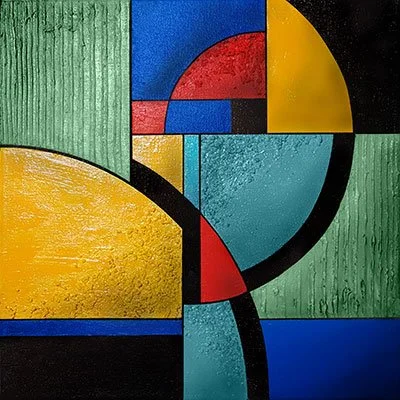
Artwork printed on different substrates

A variety of substrates and products.
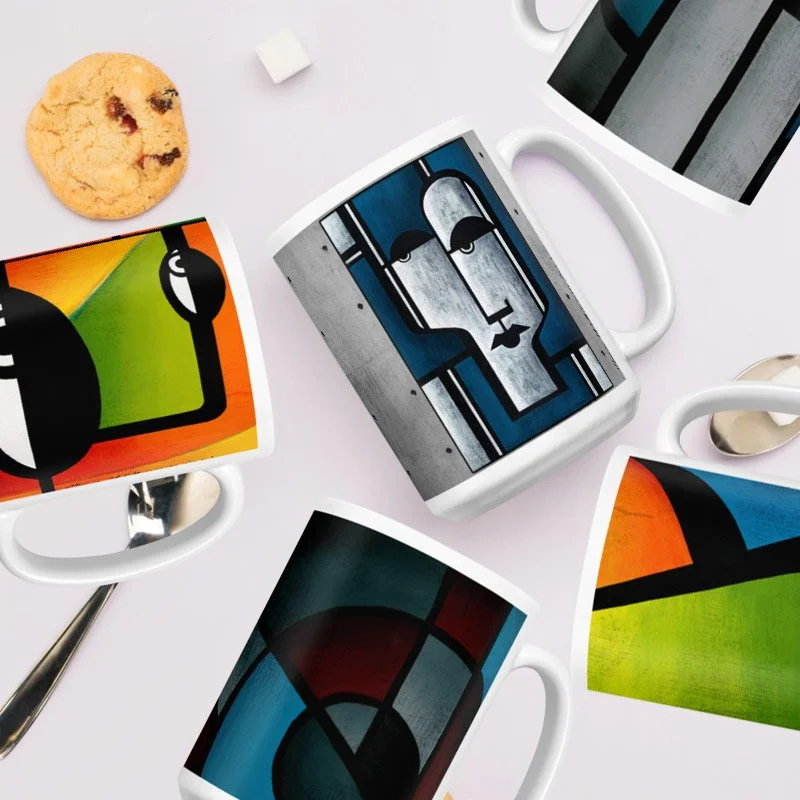
Small- to medium-sized projects